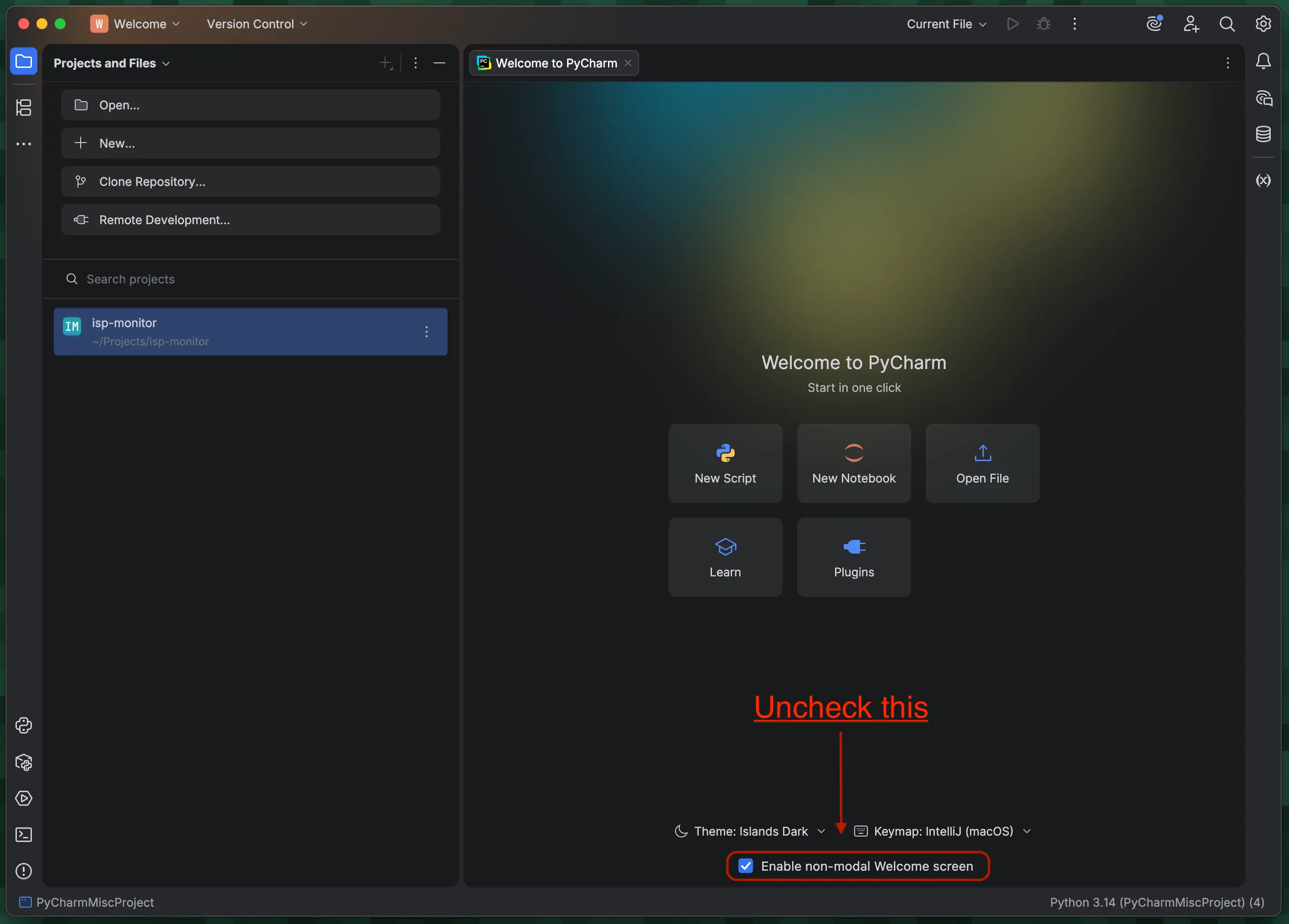
Solution source: Tiago Candeias on JetBrains forums
The PyCharm IDE now creates a project named "PyCharmMisc" in your home directory. I guess it might be to make the IDE's onboarding experience simpler for novice users, but I don't want it to clutter my home directory.
- Save and close all your other open projects in PyCharm
- Uncheck the "Enable non-modal Welcome screen" checkbox at the bottom of the "Welcome to PyCharm" tab/screen
- Close PyCharm
- Delete the "PyCharmMisc" project from your home directory
- Open PyCharm, it should now open with the list of your projects (how it used to)